discover / Texture & Print · Color & Film
Film Grain.
Add moving film grain to clean digital footage.
Drag to compare. Left: the original clip. Right: the same clip through film.look, rendered by the app.
What does it do?
Film grain adds a fine, moving texture over your video, like the grain of film stock. Size, roughness and color are adjustable.
Try the look
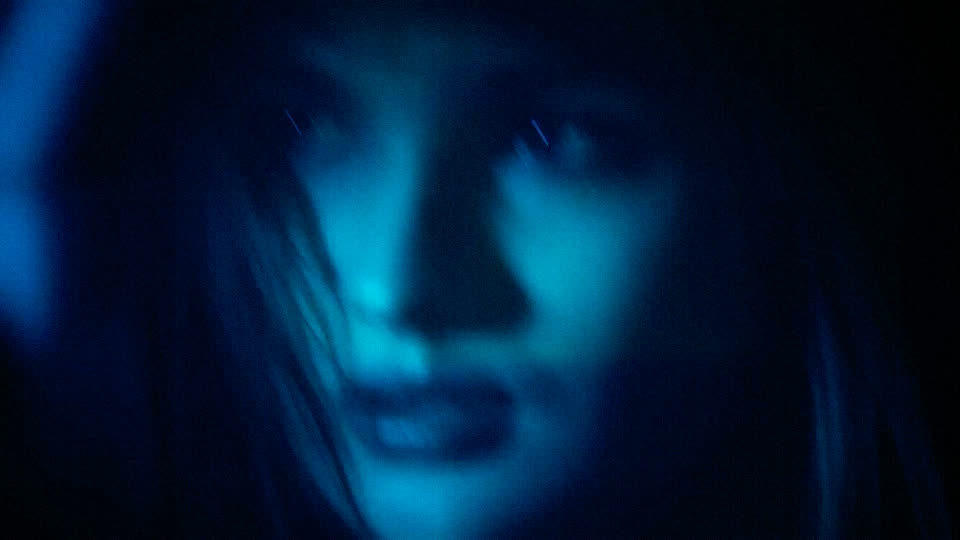
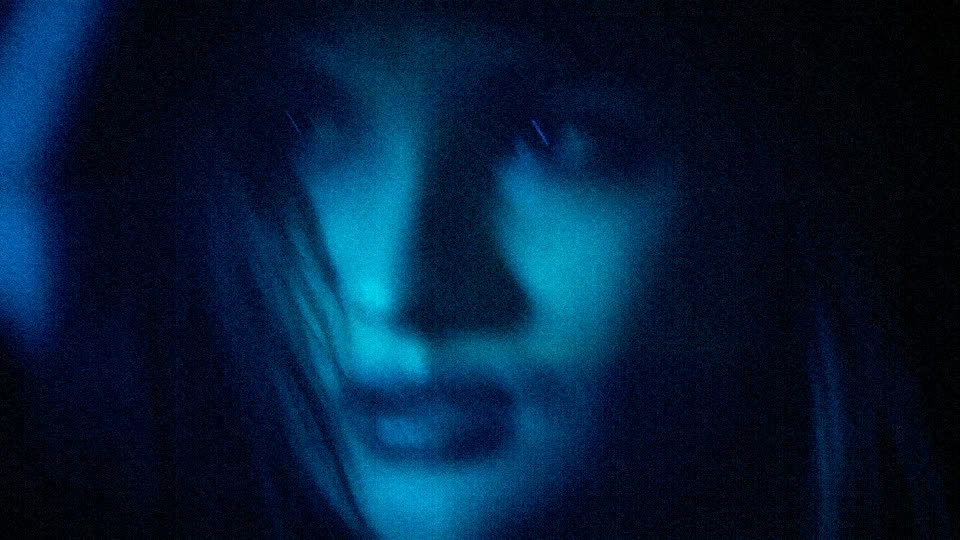
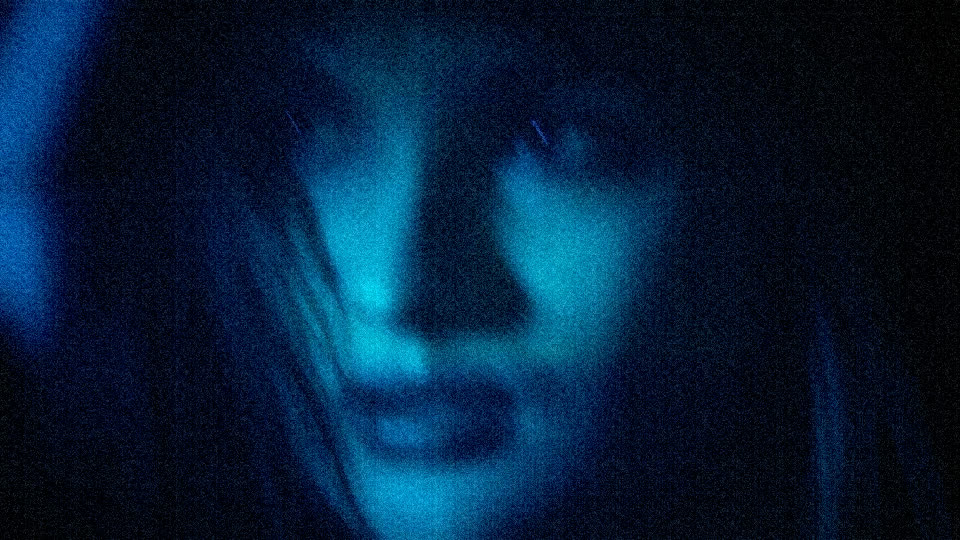
3 real renders of film.look at different settings — the app gives you every value in between.
Creative ideas
- Give clean phone footage a rougher texture.
- Make clips from different cameras feel the same.
- Add life to flat, minimal images.
How to use it
- Open the Color tab.
- In the left rail, under FILM LOOKS, open cinema.
- Turn on film grain and set the amount.
Level: easy. Undo anything with ⌘Z.
Example preset
- film.look — grain on, grain 0.75, grain size 1.6
The exact settings of the demo above. Save yours with presets › save in the inspector.
Render notes
Grain is time-based and seeded: preview and export match. Rendered on demo footage: a portrait in blue night light. Browse the 48 Film Looks.
Rendered by @@ennuienoir (headless export) from a single shot of our demo footage, encoded for the web: H.264, no sound.