discover / Distortion & Glitch
Pixel Sorting.
Sort bright or dark areas into long streaks of pixels.
Drag to compare. Left: the original clip. Right: the same clip through pixel.sort, rendered by the app.
What does it do?
Pixel Sorting picks the parts of the image inside a brightness range and lines their pixels up in order, so they stretch into stripes.
Try the look
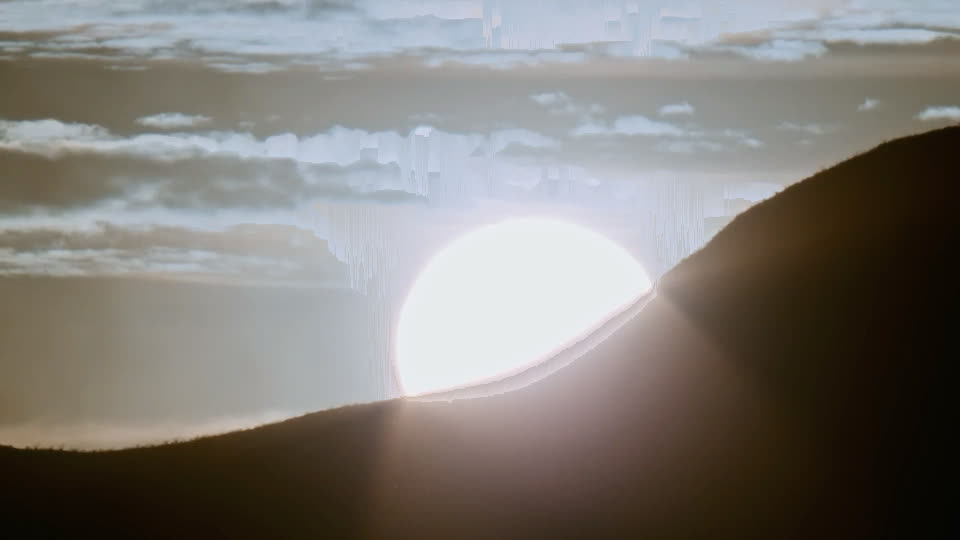
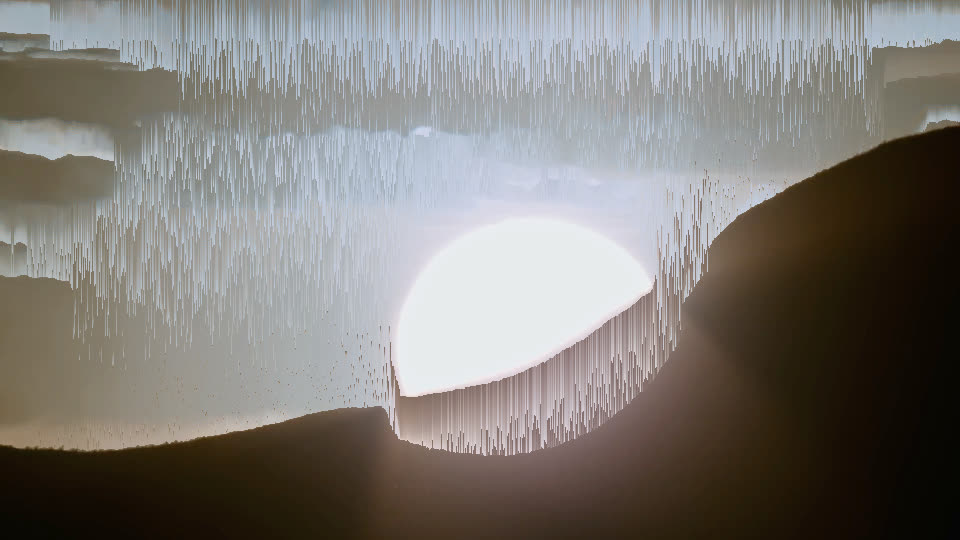
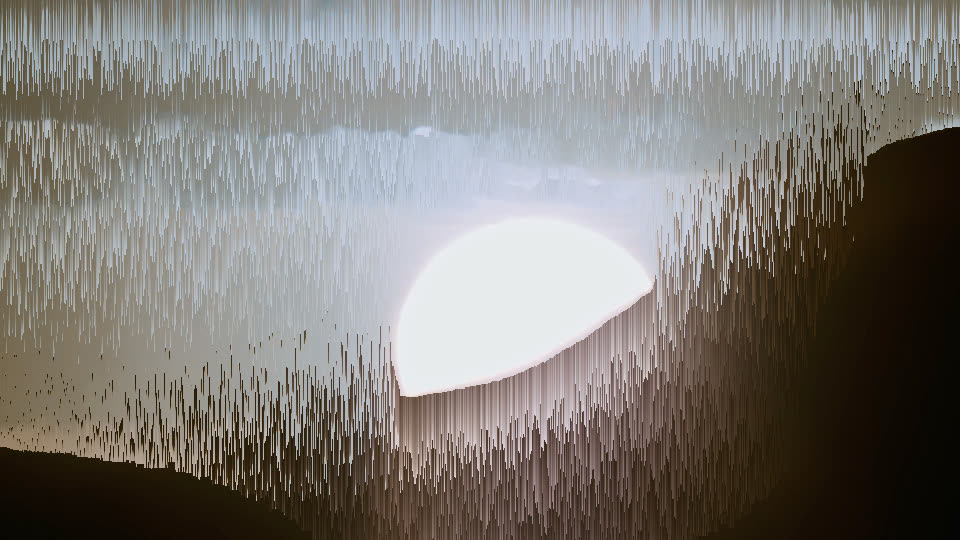
3 real renders of pixel.sort at different settings — the app gives you every value in between.
Creative ideas
- Let skies and highlights drip into streaks.
- Make surreal portraits that melt sideways.
- Add a digital texture to a music video.
How to use it
- Open the Effects tab.
- Under VIDEO FX, click pixel.sort.
- Lower the minimum threshold to sort more of the image.
Level: easy. Undo anything with ⌘Z.
Example preset
- pixel.sort — threshold min 0.15
The exact settings of the demo above. Save yours with presets › save in the inspector.
Render notes
A lower threshold sorts more of the picture. Rendered on demo footage: a sun disc behind a hill.
Rendered by @@ennuienoir (headless export) from a single shot of our demo footage, encoded for the web: H.264, no sound.