discover / Distortion & Glitch
RGB Shift.
Pull the colors apart for glowing edges and a doubled, glitchy look.
Drag to compare. Left: the original clip. Right: the same clip through rgb.shift, rendered by the app.
What does it do?
RGB Shift moves the red, green and blue parts of your image away from each other, so every edge gets colored fringes.
Try the look
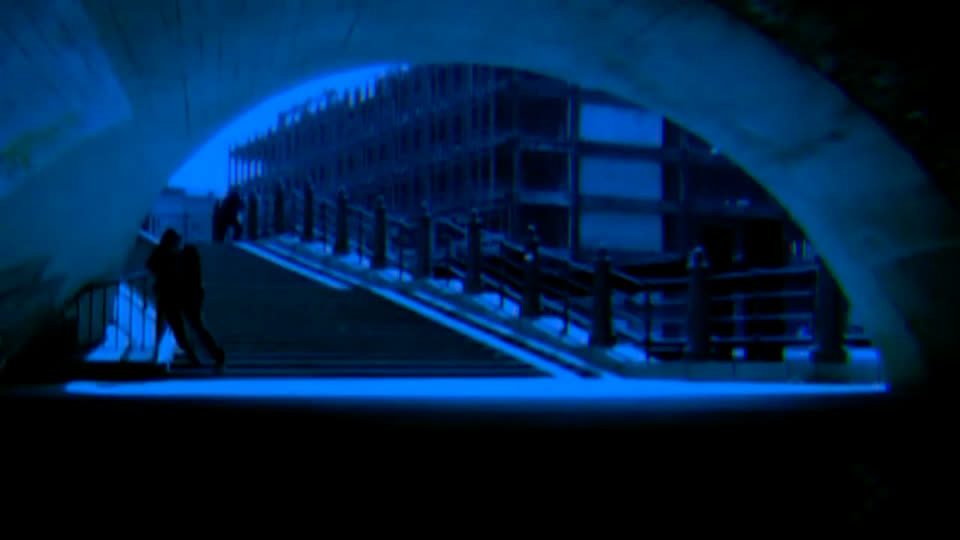
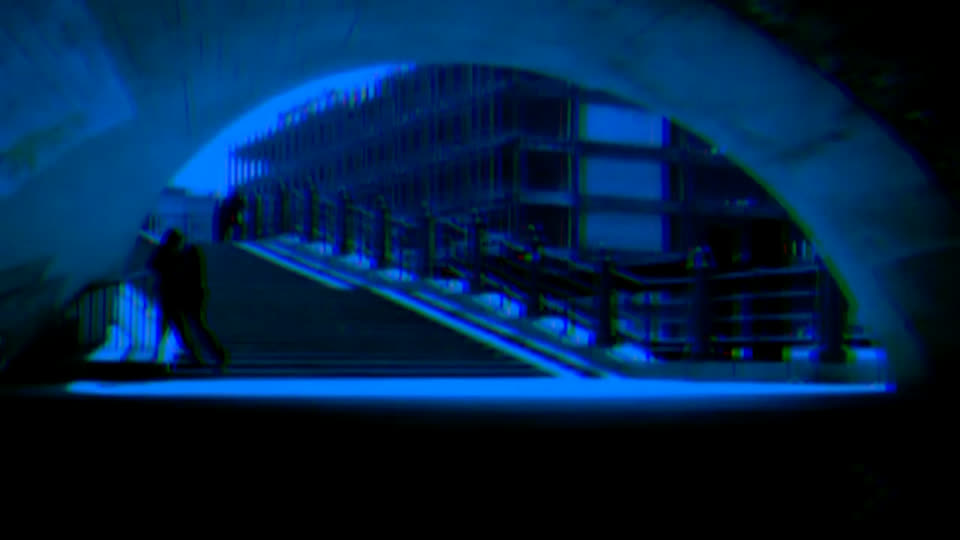
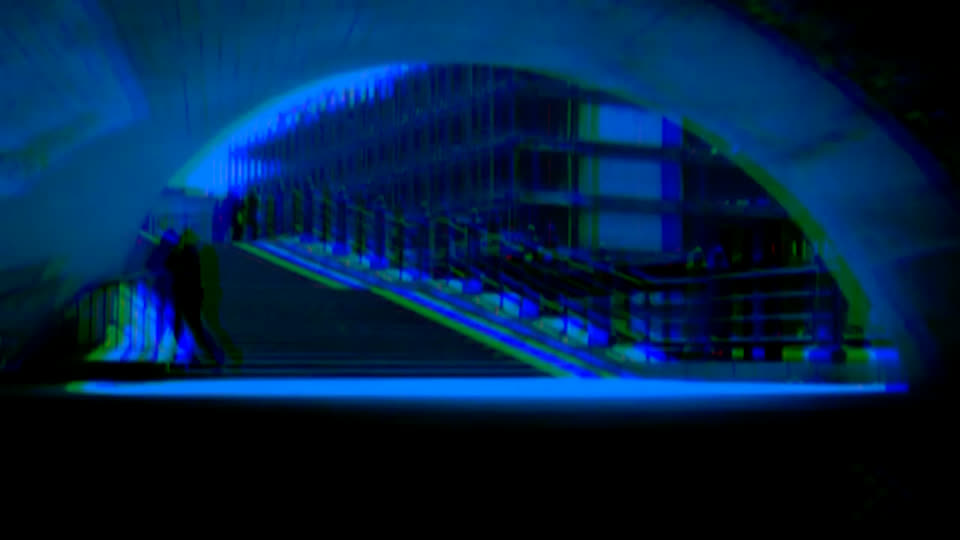
3 real renders of rgb.shift at different settings — the app gives you every value in between.
Creative ideas
- Keep it subtle for colored edges on graphics and text.
- Push it hard for a broken-screen glitch.
- Link it to the music so the colors split on the beat.
How to use it
- Open the Effects tab.
- Under VIDEO FX, click rgb.shift.
- Move the red and blue offsets apart in the inspector.
Level: easy. Undo anything with ⌘Z.
Example preset
- rgb.shift — red x 16, blue x −16, green y 4
The exact settings of the demo above. Save yours with presets › save in the inspector.
Render notes
Small offsets read as lens fringing, large ones as a broken signal. Rendered on demo footage: a blue-lit tunnel under a bridge.
Rendered by @@ennuienoir (headless export) from a single shot of our demo footage, encoded for the web: H.264, no sound.